Remote support
You start it. You watch it. You end it.
Remote support means fixing your computer over a screen share instead of traveling to it, billed at $12.50 per fifteen minutes. We use AnyDesk: you install it, you read out a code that changes every session, and nothing connects until you do.
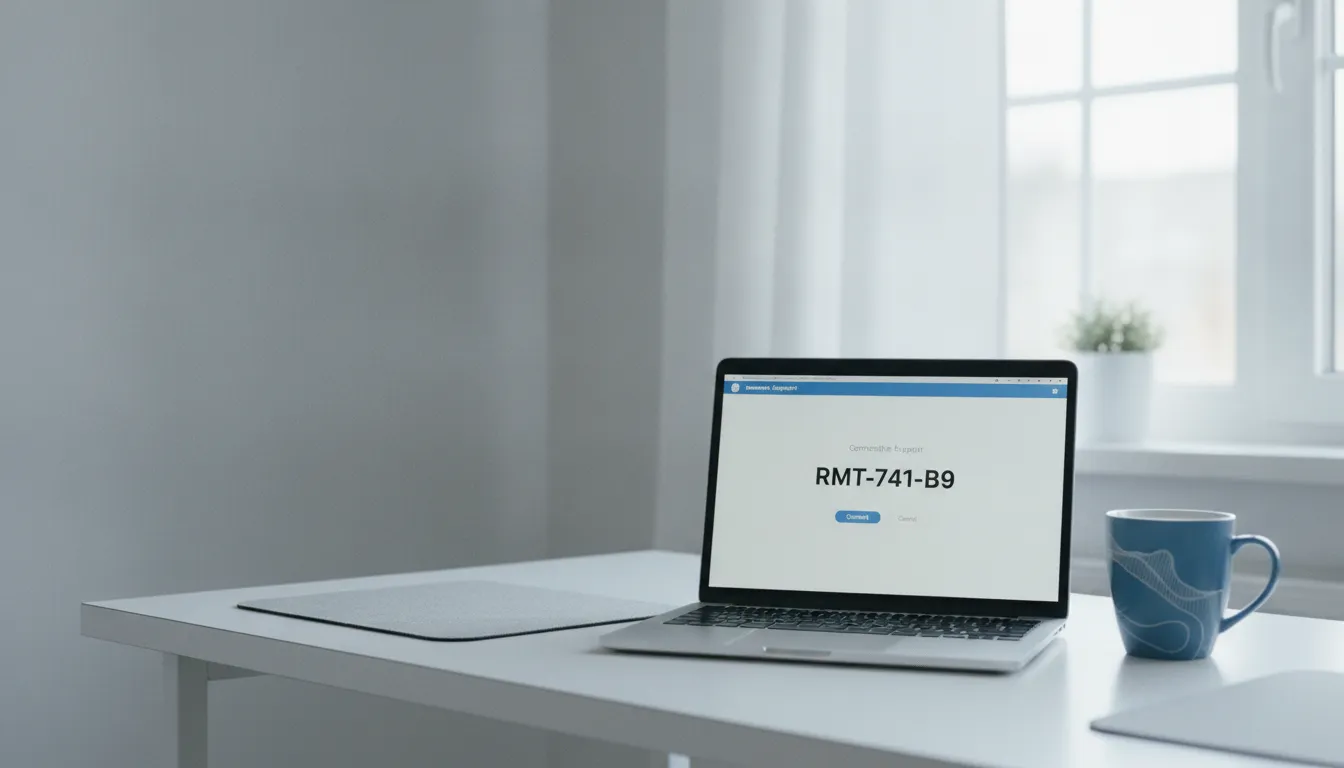
On the phone with us now? Get AnyDesk here.
Straight to AnyDesk's official download page. Nothing connects until you read out the code it gives you.
How a session actually runs.
Letting a stranger onto the machine that holds your bank details is a reasonable thing to be careful about. Here is exactly what happens.
- 01
Call first
Describe the problem on the phone. Some things can't be fixed remotely, namely anything needing hands on the hardware, and you should find that out before a session starts, not during one.
- 02
Install AnyDesk
Downloaded from AnyDesk's own site, not from a link we email you. It gives you a session code that changes each time.
- 03
You give the code, and only then
Nothing connects until you read out that code. There is no standing access, and no way in without you starting it.
- 04
You watch, and you can stop
The screen stays yours throughout. You see every action as it happens, and you can end the session at any point without asking.
Who does what
-
You
Call first
Before anything is installed.
-
You
Install AnyDesk
From AnyDesk's own site.
-
You
Read out the code
It changes every session.
-
Us
We connect
Only once you have.
-
You
End it, any time
Without asking.
Four of the five steps are yours. There is no standing access left behind afterwards, and no way in that doesn't start with you reading out a code.
Download AnyDesk from its official site. Getting remote-access software from the vendor rather than from a link someone sent you is a habit worth keeping with everyone, including us.
What it handles well
- Software that has stopped working, or won't update
- Email and account problems, including setup on a new device
- Cloud services, file sync and shared folders
- Virus, adware and browser hijack removal, where the machine still runs
- Settings, printers and configuration that used to work
- Walking through something so you can do it yourself next time
What it can't do
These need someone present. Saying so here saves you a booking.
- Anything requiring the machine to be opened
- A computer that won't power on or reach the desktop
- Failing drives and physical data recovery
- Network and wifi work, which depends on the building
- Screens, ports, batteries and liquid damage
Common questions
Mostly about safety, which is the right thing to ask about.
- What is remote IT support?
- A technician views and controls your computer over the internet while you watch, using screen-sharing software you install and start. It suits anything that lives in software rather than hardware. It isn't a background service running on your machine: the session exists only while you have it open, and it ends when you close it.
- Is it safe to let someone control my computer?
- The safeguards are worth understanding rather than taking on trust. You install the software yourself from the vendor, you start each session with a code that changes every time, no connection is possible without you providing it, you see everything on screen as it happens, and you can end it instantly. There is no standing access left behind afterwards.
- What software do you use?
- AnyDesk. Download it from AnyDesk's own website rather than from any link sent to you. That habit is worth keeping with anyone who asks for remote access, not just us. It runs on Windows and macOS and doesn't need to stay installed once you're done.
- How much does remote support cost?
- Billed at $12.50 per fifteen minutes, which is the published rate. Short problems cost accordingly, which is much of the point: a fifteen-minute fix doesn't attract an hour of on-site time or a call-out. If it becomes clear the problem isn't solvable remotely, you will be told rather than billed for the discovery.
- What if the problem can't be fixed remotely?
- Then you're told, and the options are on-site at $50 an hour or a flat-rate $60 pickup. Anything involving opening a machine, a computer that won't reach the desktop, a failing drive, or wifi and network work all need someone physically present. That is usually clear from the phone call before a session is booked.
- Do I need to be there during the session?
- Yes, and that is intentional. You start the session, you watch it, and you end it. Unattended access is a different arrangement with a different risk profile, and it isn't what is on offer here.
- Does remote support work outside Las Vegas?
- Yes. On-site and pickup cover Las Vegas, North Las Vegas, Henderson, Summerlin and Boulder City, but a screen share has no geography attached to it. If the problem is solvable remotely, where you are doesn't matter.
Call before you install anything.
A two-minute conversation establishes whether this is solvable remotely. If it isn't, you haven't installed software for nothing.
702-514-0787Book a session
Tell us what's happening.
Describe the problem and we'll tell you whether a screen share will fix it. If it won't, you'll be told that too rather than sold a session that can't work.
Would rather talk? Call 702-514-0787. It is answered by the person who does the work.