
Data recovery & backup
Get what was lost back, then stop it happening twice.
Data recovery is the work of retrieving files from a drive that has failed, been formatted, or had its contents deleted. Backup is the work that makes recovery unnecessary. Most people meet the first because they never arranged the second, which is why the two belong on one page.
What is actually recoverable, and what isn't
When a file is deleted, the data usually stays on the drive. What disappears is the entry in the index that says where it lives, so the space is marked as available rather than wiped. Until something else is written over that space, the contents are often still there. So the most useful thing you can do after losing a file is simple. Stop using the drive.
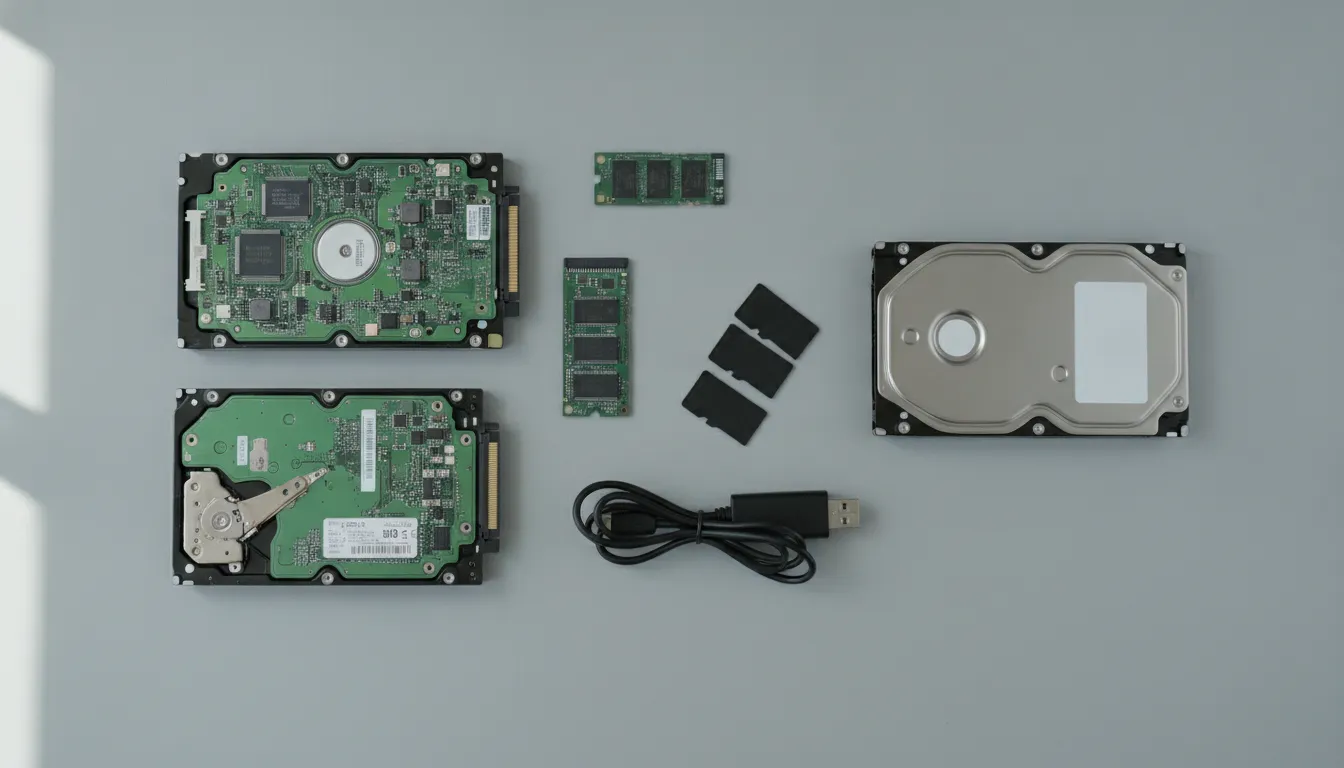
Failures fall into two broad groups, and they aren't equally recoverable. Logical failures leave the hardware working. A deleted file, a corrupted file system, an accidental format, a failed update. These are frequently retrievable. Physical failures are a different matter. Here the drive itself has mechanical or electronic damage. Those need specialist facilities, and the honest advice at that point is a referral rather than an attempt.
Solid-state drives complicate the optimistic version of this story. Most SSDs use a background process that permanently clears deleted blocks, often within minutes and without waiting for anything to be written over them. That is good for the drive's performance and bad for recovery. On an SSD, the window is genuinely short.
A backup is simply a copy that lives somewhere else. The details that make it useful are unglamorous. It runs without anybody remembering to run it. It isn't kept on the same machine, or on a drive left plugged in permanently. And somebody has restored from it at least once, to prove that it works.
How we handle it
Recovery work often means the machine comes to us, which is what the flat-rate pickup is for. Backup setup is frequently remote.
- 01
Stop the damage first
The first advice is usually to power the machine down and leave it alone. Continuing to use a drive you want data from is the most common way that recoverable files stop being recoverable.
- 02
Establish what kind of failure it is
Logical and physical failures need completely different responses. One possible answer is that the job belongs in a specialist cleanroom rather than here.
- 03
Put a plan behind it
Recovering the files without changing what caused the loss just schedules the same afternoon for later. A backup that runs on its own is the actual fix.
Who this is for
-
Anyone who has just lost something and is deciding what to do in the next hour. The answer is almost always to stop using the drive and ask before trying recovery software on it.
-
Businesses running on a single machine with no copy anywhere else. It is a very common arrangement, and the one where a routine hardware failure becomes an existential problem rather than an annoying one.
Common questions
Answered plainly, and without a discovery call first.
- I just deleted something important. What should I do right now?
- Stop using the drive. Don't install recovery software onto the same disk you're trying to recover from, because installing it can overwrite the very blocks holding your file. If it is the main drive of your only computer, shutting the machine down is the safest immediate step. The less that gets written after the deletion, the more likely a recovery is to succeed.
- Can you recover data from a drive that won't spin up?
- A drive making unusual noises or not spinning has almost certainly suffered a physical failure, and that is different work. Opening a drive outside a cleanroom generally destroys any remaining chance of recovery. In that situation the useful thing we can do is tell you plainly what you're looking at. Attempting it ourselves could make a specialist recovery impossible.
- Is data on an SSD easier or harder to recover?
- Usually harder. Most solid-state drives run a background process that clears deleted blocks for good. It doesn't just mark them reusable. And it can finish within minutes of the deletion. On a traditional spinning drive the data often survives until it is overwritten; on an SSD it may already be genuinely gone. The window for acting is much shorter.
- What counts as a backup that actually works?
- Three things. It runs automatically, so it doesn't depend on anybody remembering. It lives somewhere separate from the machine it protects, because a drive left permanently connected gets encrypted or destroyed alongside its host. And somebody has restored a file from it at least once, so you know it works before you need it rather than during.
- Is cloud storage the same as a backup?
- Not by itself. A synced folder copies changes in both directions, which means a deletion or an encryption event propagates to the cloud copy too. Sync is convenience; backup is a separate historical copy you can go back to. Several cloud services do offer versioning that closes part of this gap, but it needs to be switched on and understood rather than assumed.
- How much does recovery cost?
- The published rates apply: $60 flat for pickup, $50 an hour on-site, or $12.50 per fifteen minutes remotely. What a particular job needs depends on the failure, which is why the free consult happens before anything is booked. Specialist cleanroom recovery is a different service at a different order of cost, and if that is what you need we will say so.
Not sure whether this is what you need?
Describe the problem on the phone. If it isn't something we handle, you will be told.
702-514-0787