
Network design
A network built so people can actually work together.
Network design is deciding how the machines in a building reach each other and the internet, and how that arrangement holds up once real people use it. Most small-business networks were never designed at all. They accumulated, one device at a time, until something stopped working reliably.
What a small-business network is made of
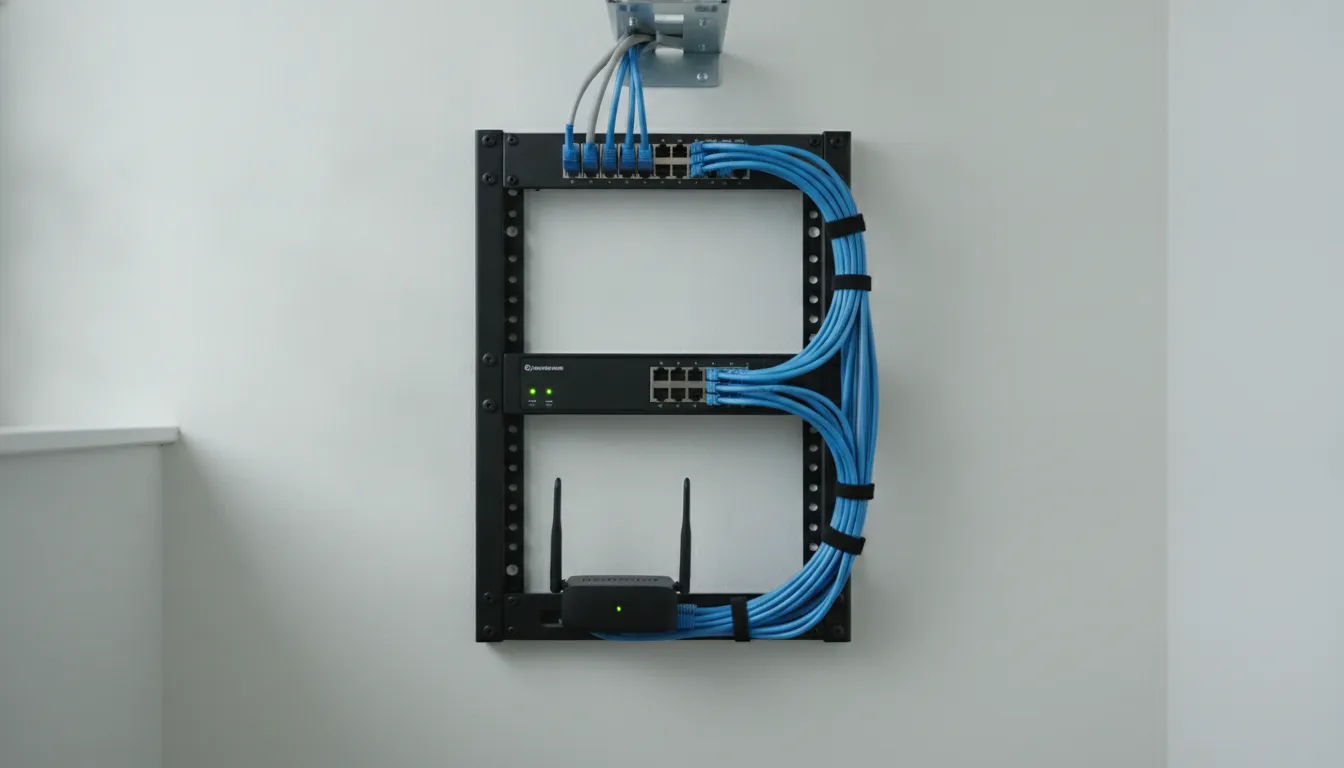
Almost every small office network has the same four parts, whether or not anybody chose them. A connection from an internet provider. A router that decides what goes where and acts as the boundary between your network and everything else. Some way of distributing that connection: a switch for wired devices, access points for wireless. And the devices themselves.
The problems usually start with the equipment supplied by the internet provider, which is built to be adequate everywhere rather than good anywhere. A single combined router and access point usually sits wherever the cable enters the building. That covers a small flat well. It covers an office badly. The parts of a building that need coverage are rarely the part where the cable comes in.
Wireless is where most complaints originate, and rarely for the reason people assume. Distance matters less than what is between the device and the access point: interior walls, metal, mirrors, and the neighbouring networks competing for the same frequencies. A faster internet plan does nothing for any of this, which is why upgrading the plan so often fails to fix the wifi.
The other half of a working network is what people actually do on it. Shared folders that everyone can reach without emailing files around. A printer that stays connected. Devices that keep their addresses instead of changing them at inconvenient moments. These are unglamorous and they're most of the value.
How we handle it
Network work is largely on-site by definition, because the building is the problem being solved. Billed by the hour at the published rate.
- 01
Start from how the room is used
Where people sit, which devices matter, and where coverage keeps failing. A plan drawn from a floor area rather than from the working day tends to solve the wrong problem.
- 02
Fix placement before buying anything
A surprising number of wireless problems are a positioning problem wearing the costume of a hardware problem. Moving or adding an access point is often cheaper than replacing the lot.
- 03
Make shared things reliably shareable
Files, printers and the devices people depend on. Arranged so they stay reachable, instead of needing a rediscovery ritual every Monday.
Who this is for
-
Businesses where the wifi is fine in one room and unusable in another, and where the internet plan has already been upgraded without fixing it.
-
Businesses moving into a new space, where the cheapest moment to get the network right is before the furniture arrives.
-
Businesses that have grown past the equipment they started with, like the router that was ample for three people and is now serving twelve.
Common questions
Answered plainly, and without a discovery call first.
- Why is my wifi slow in one room and fine in another?
- Almost always what is between the device and the access point rather than raw distance. Interior walls, metal fixtures, mirrors and appliances all absorb or reflect the signal, and neighbouring networks compete for the same frequencies. This is why upgrading the internet plan doesn't help: the plan governs the speed arriving at the building, not how well the signal crosses it.
- Will a faster internet plan fix our problems?
- Only if the bottleneck is actually the connection, and often it isn't. If speed tests near the router look healthy but the far end of the office struggles, the problem is distribution inside the building and a faster plan changes nothing. Testing in both places first is a five-minute exercise that regularly saves an unnecessary upgrade.
- Do we need business-grade equipment?
- It depends on how many devices you run and how much downtime costs you. Consumer routers are genuinely capable at small scale. Business equipment buys you three things. Capacity under load. More control over keeping guest traffic separate from your own. And better behavior when a lot of devices connect at once. That is worth paying for at some sizes and not at others.
- Should the guest wifi be separate?
- Yes, wherever visitors connect. A separate guest network keeps other people's devices away from your shared folders, printers and business machines. Most modern routers can do this without extra hardware. It also means you can change the guest password without re-configuring every device you own.
- Can wired connections still be worth it?
- For anything that stays in one place, usually yes. A wired connection isn't competing with neighbouring networks or losing signal through a wall, so it behaves consistently. Desktops, printers, point-of-sale terminals and anything that moves large files benefit most. Running cable is more disruptive than adding wireless, which is why it is worth deciding before a fit-out rather than after.
- How long does a network job take?
- It varies with the building more than with the number of devices, so the honest answer is that it is scoped at the consult rather than quoted from a page. Work is billed at the published hourly rate for on-site time, and you will know what is involved before anything is booked.
Not sure whether this is what you need?
Describe the problem on the phone. If it isn't something we handle, you will be told.
702-514-0787Related